Overview
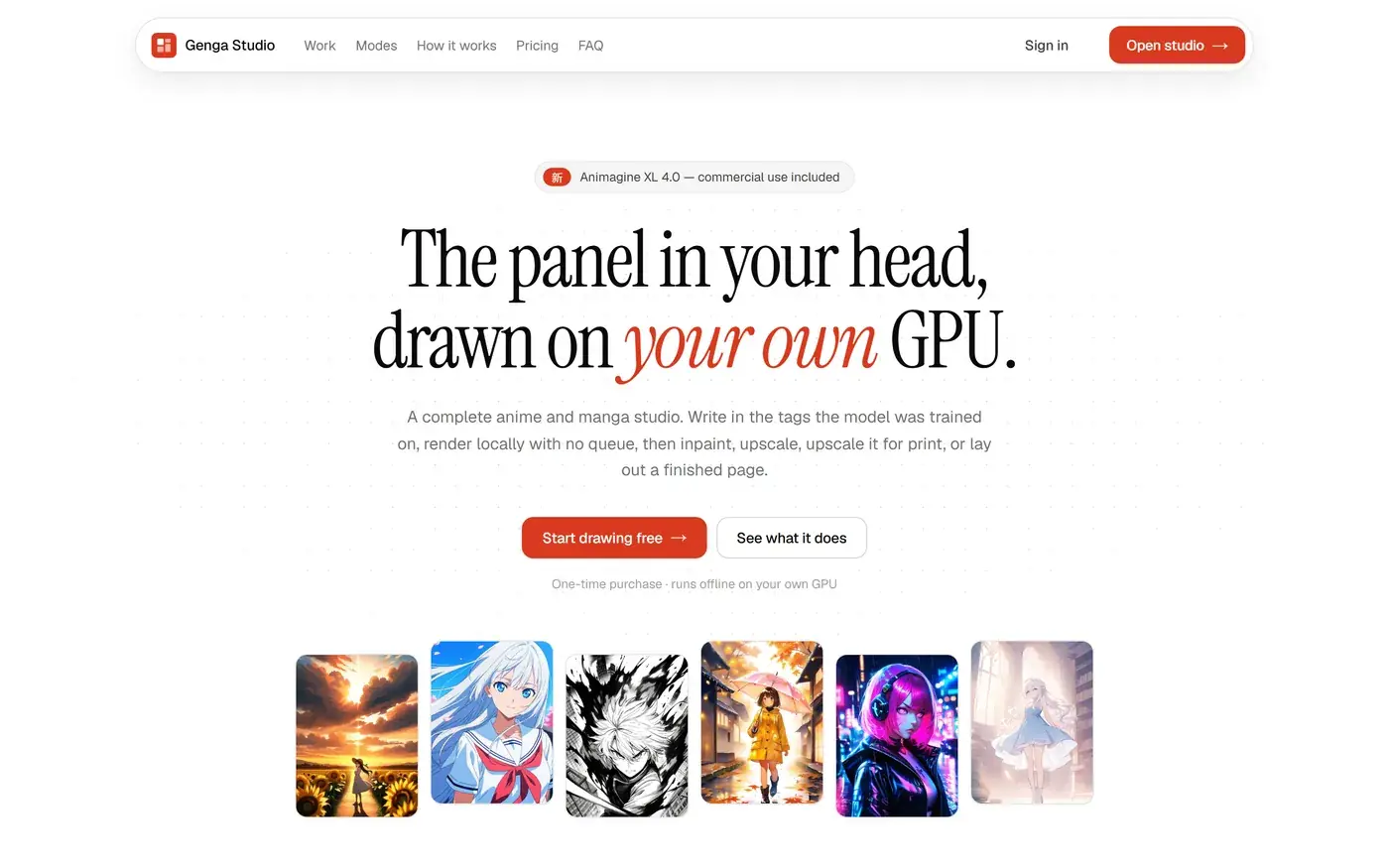
Anime image generators are almost all subscription websites: they charge per image, queue your work behind other people’s, and keep the whole pipeline on their servers. The people who most want this — hobbyist artists and doujin creators — often already own a capable graphics card sitting idle. Genga Studio is the other shape: buy it once, install it, and everything renders on your own machine.
My part
A solo project — I designed and built every part of it:
- The interface in Next.js, and a FastAPI service behind it that turns each request into a job for the rendering engine and streams the progress back.
- An installer that assumes an empty machine: it brings its own Python and Node, downloads the engine and about 15 GB of models, and resumes where it stopped if interrupted. Nothing touches the rest of the system, so uninstalling is deleting one folder.
- Accounts and sign-in kept on the customer’s own machine, then reviewed for security against a running copy rather than on paper.
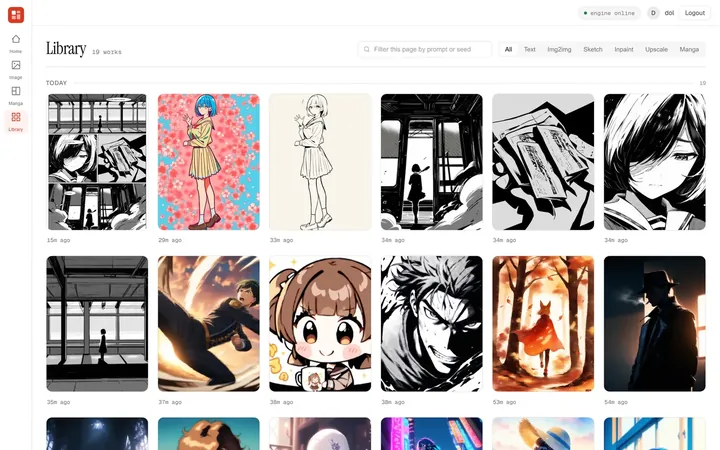
- Performance work on the library, which was sending the browser 29 MB to draw one screen of thumbnails and now sends 0.69 MB.
What it does
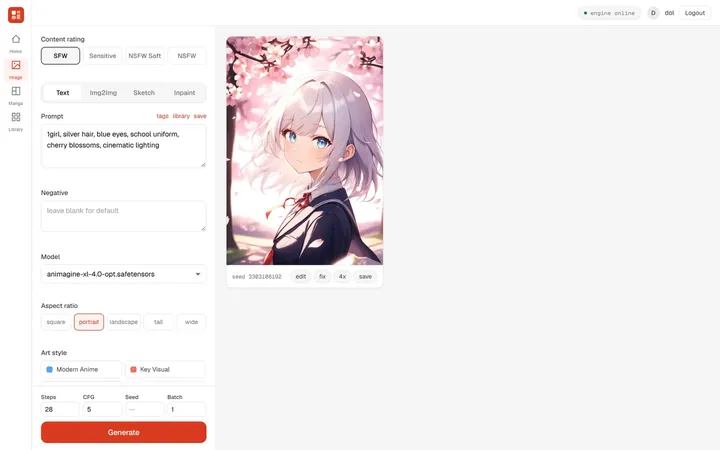
- Text to image, with tag autocomplete over 12,000 tags the model was trained on.
- Image to image, with one slider deciding how much of the original survives.
- Sketch to anime: lineart goes in, a coloured illustration comes out at the proportions of the drawing.
- Inpainting: paint over a region and only that part is regenerated.
- 4× upscale, for images that need to hold up in print.
- Manga pages: seven panel layouts with speech bubbles, composed into a finished page.
- Character LoRAs that stack, each with its own strength, so the same character stays consistent across modes.
Tools
Next.js 15 and React 19 for the interface, FastAPI with SQLAlchemy for the service behind it, ComfyUI as the rendering engine, PyTorch on CUDA for the GPU work, and Inno Setup with PowerShell for the Windows installer.